Spotting Your Set With SketchUp and Layout
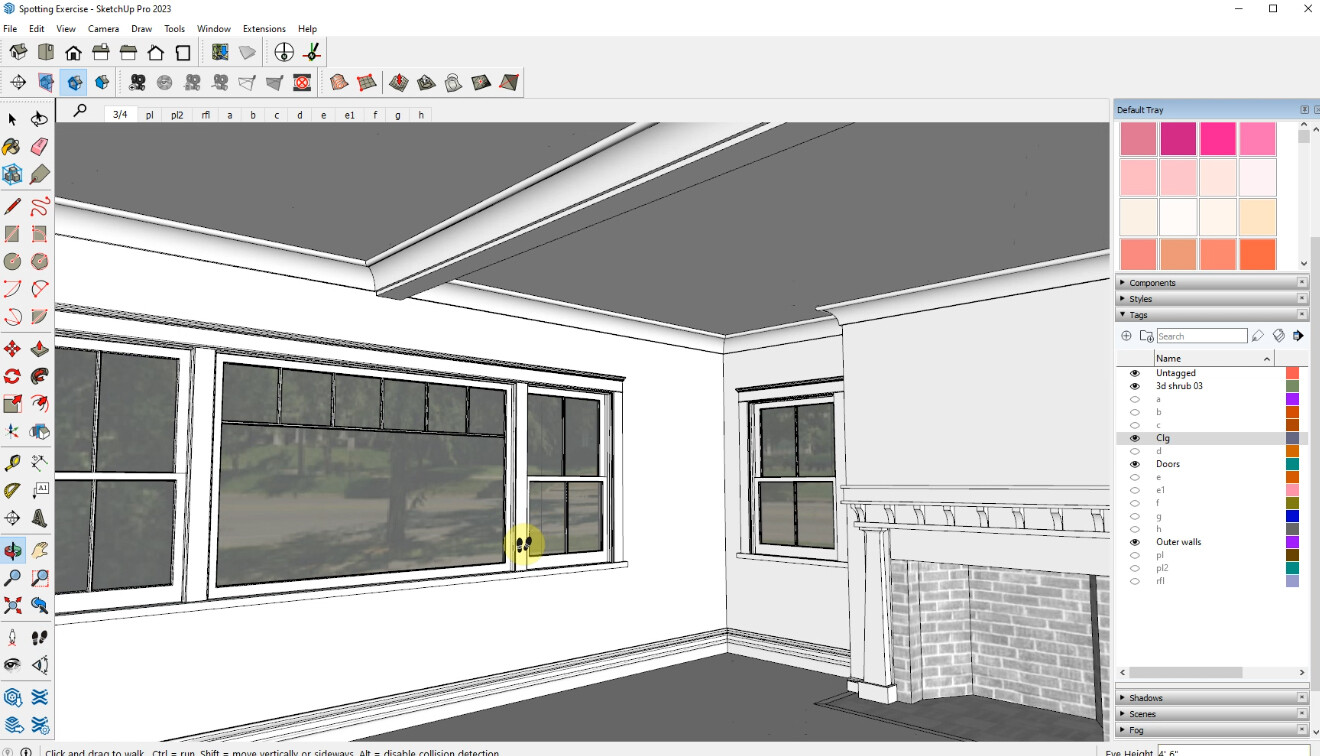
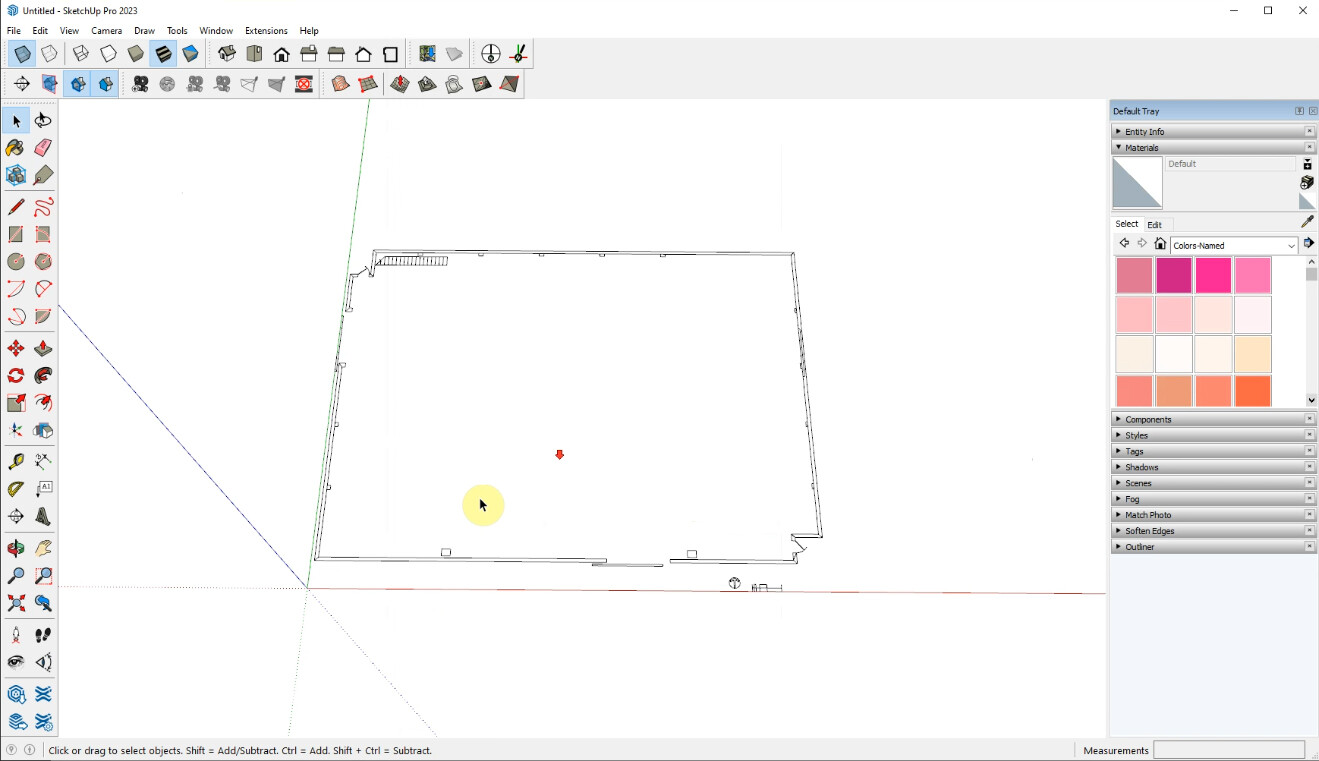
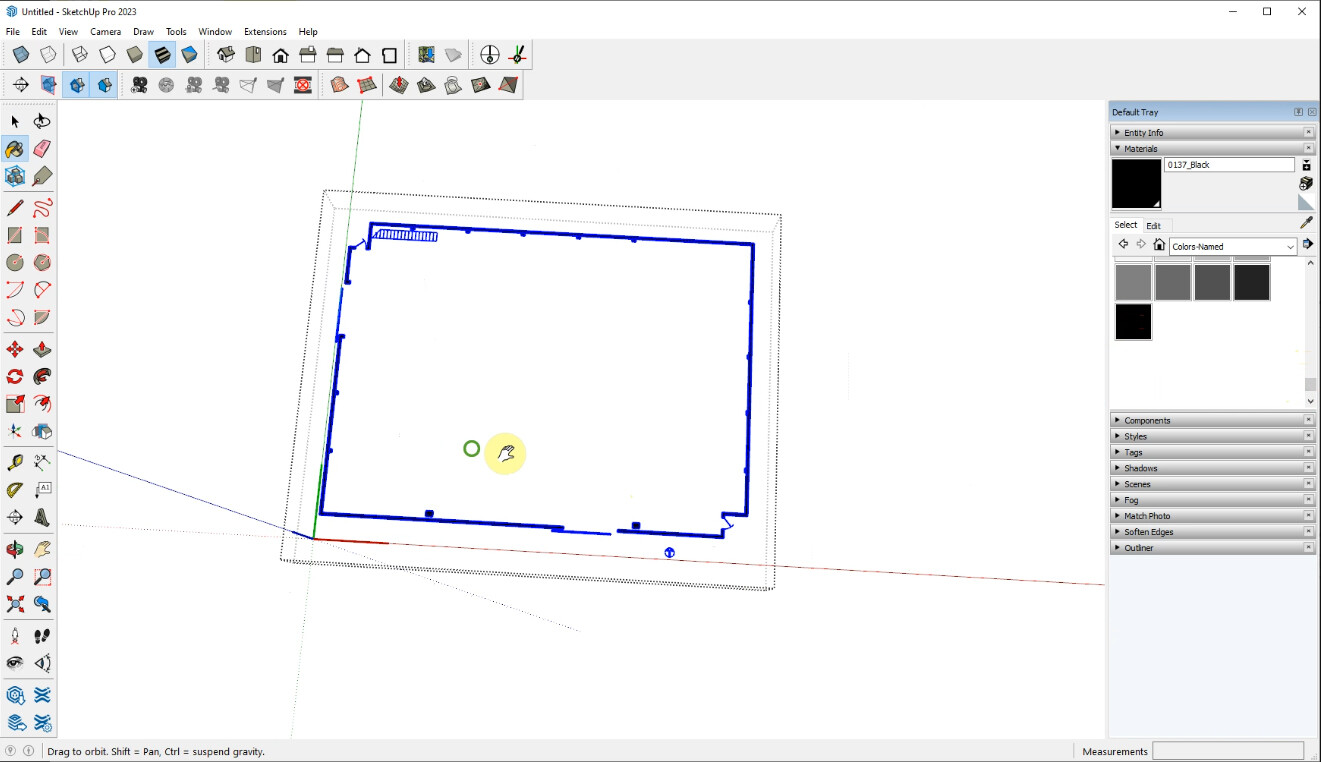
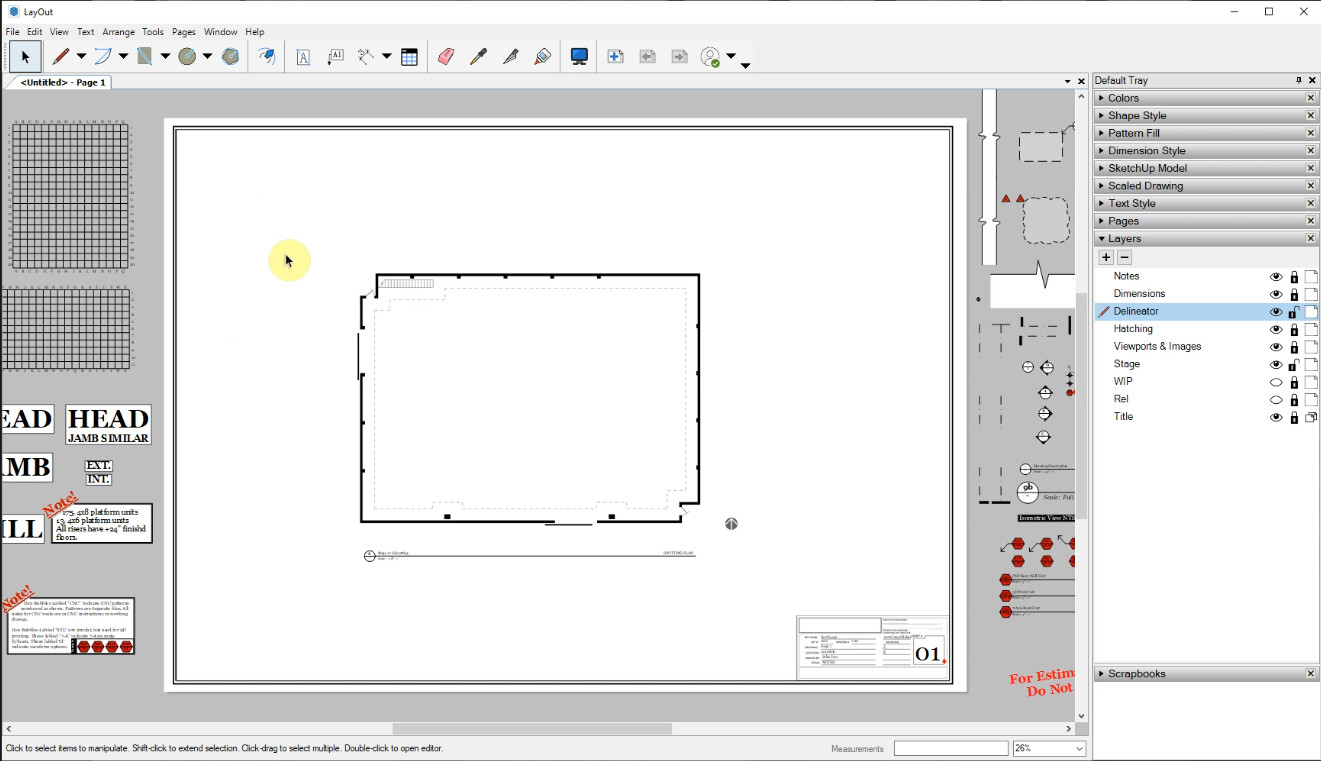
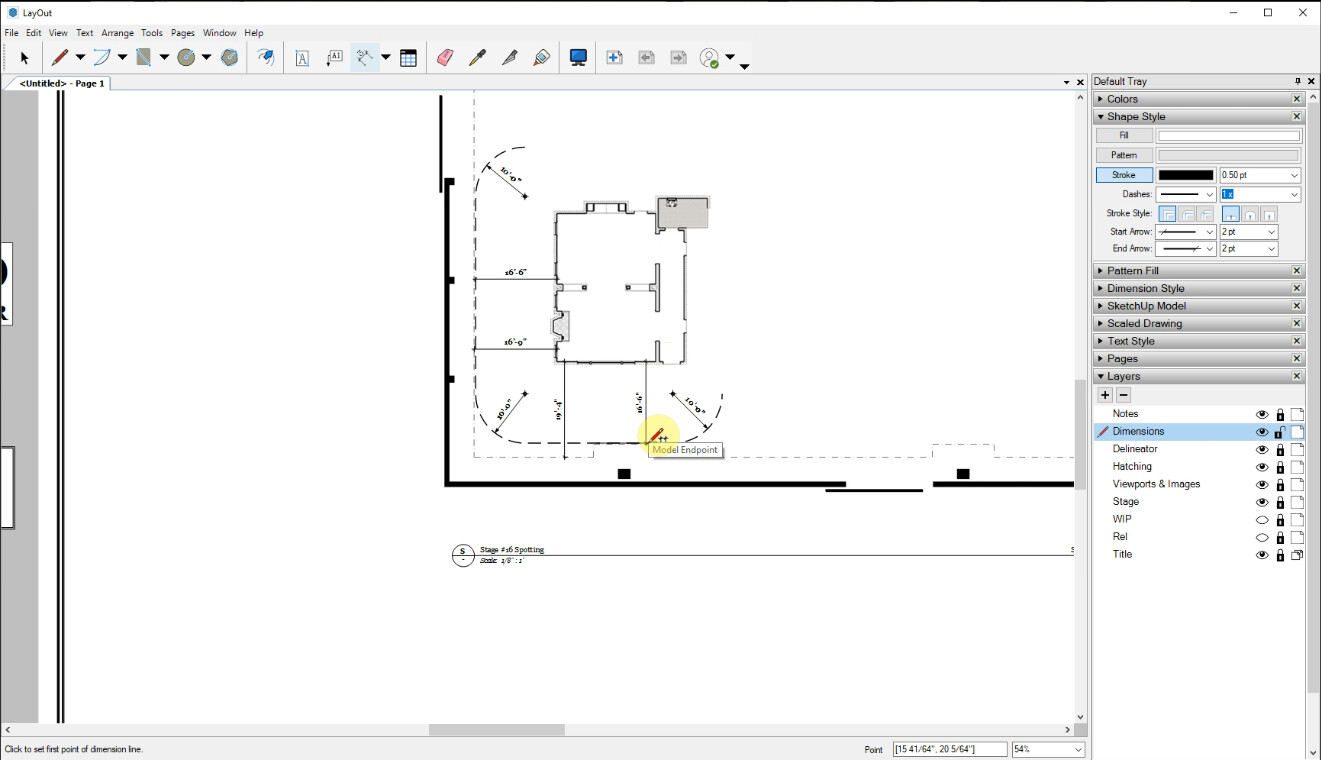
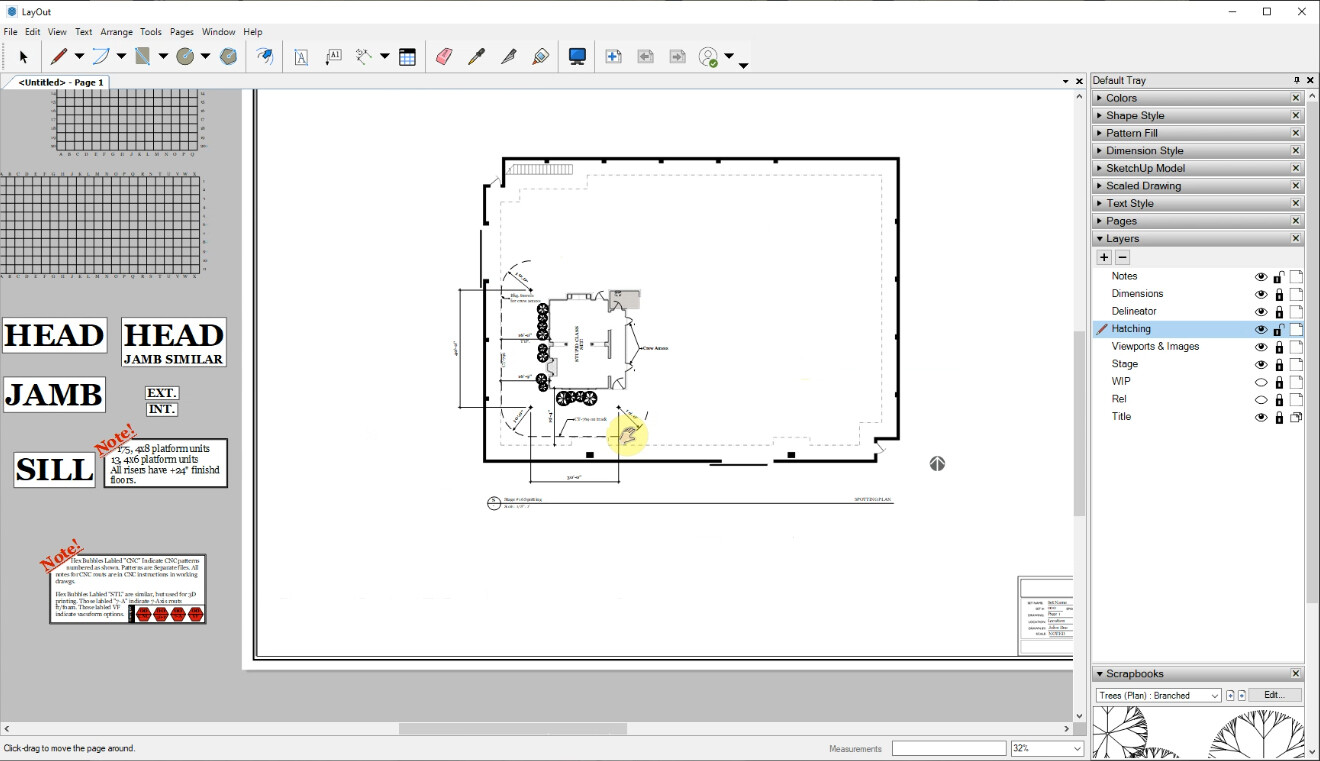
So, you have battled your way through God alone knows how many hours of tutorials. You have made a model of the set, previewed that set, and converted that model into construction drawings. Congratulations! But we aren’t through yet. No! Not by a long shot!
“What now?” You may be thinking. “What else can this nutter possibly want of me?” I want you to spot your set on a sound stage, that’s what!
Set spotting (as distinct from plane spotting, or train spotting) is one of those tricky little things the other guys (are there any other guys?) don’t teach you. Spotting your set means telling the beardy guys with the tools (who have spent days building your set) where on the sound stage you want your set placed. Sounds simple? It is. If you know how. If you are reading this I will assume that you don’t so I advise you to get this tutorial and watch it!
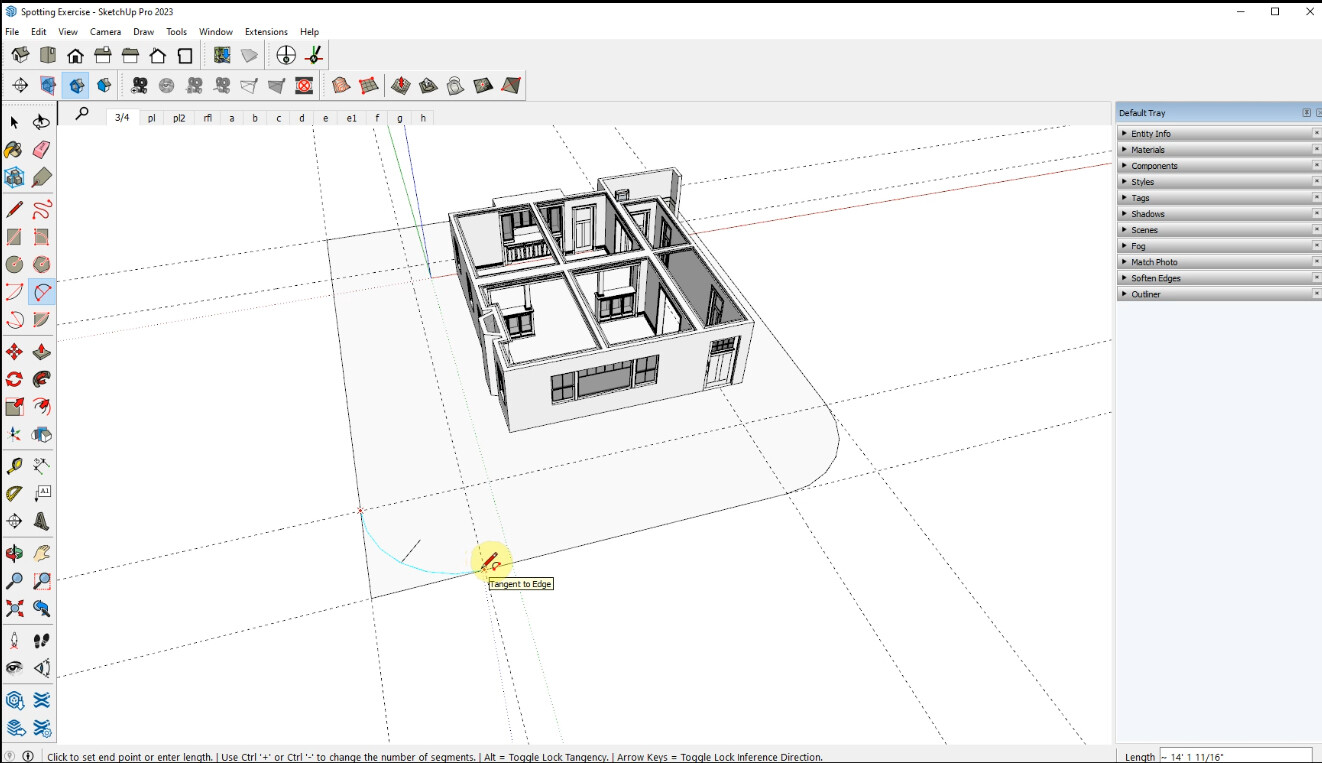
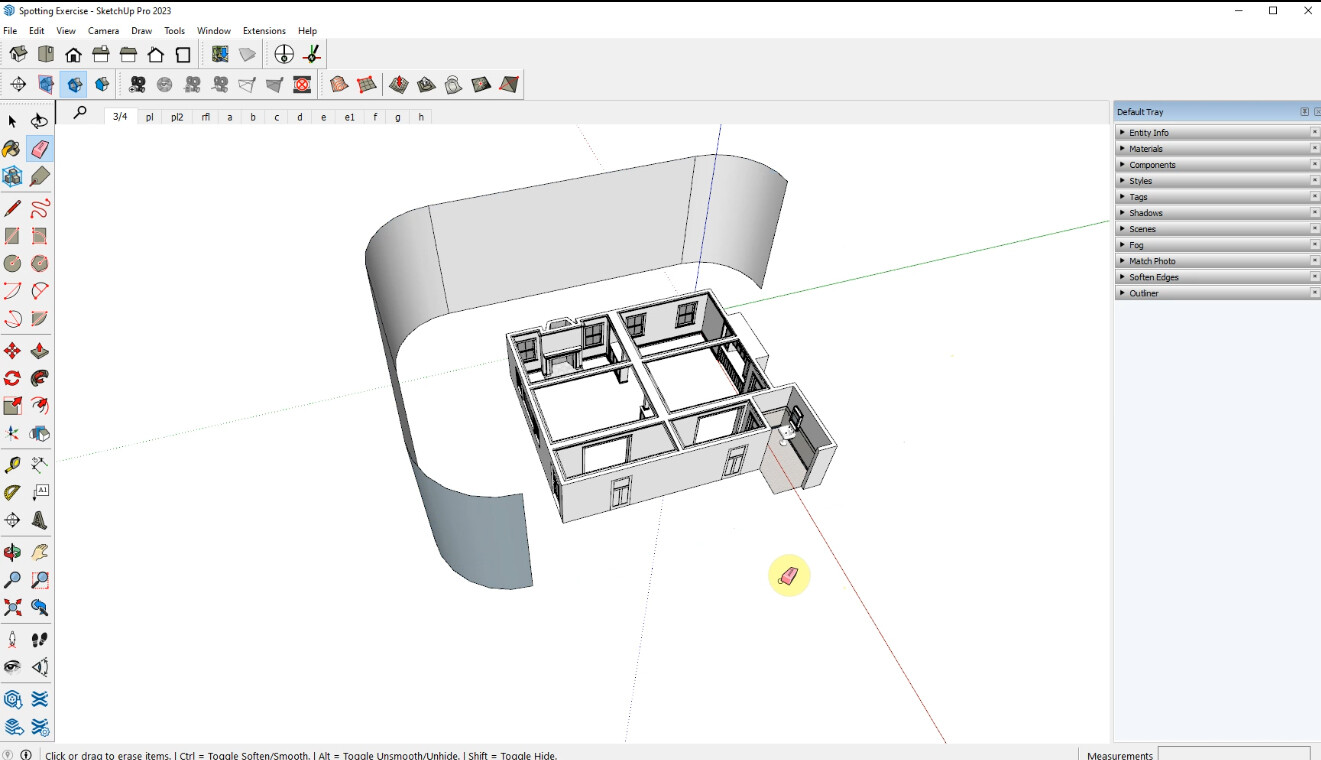
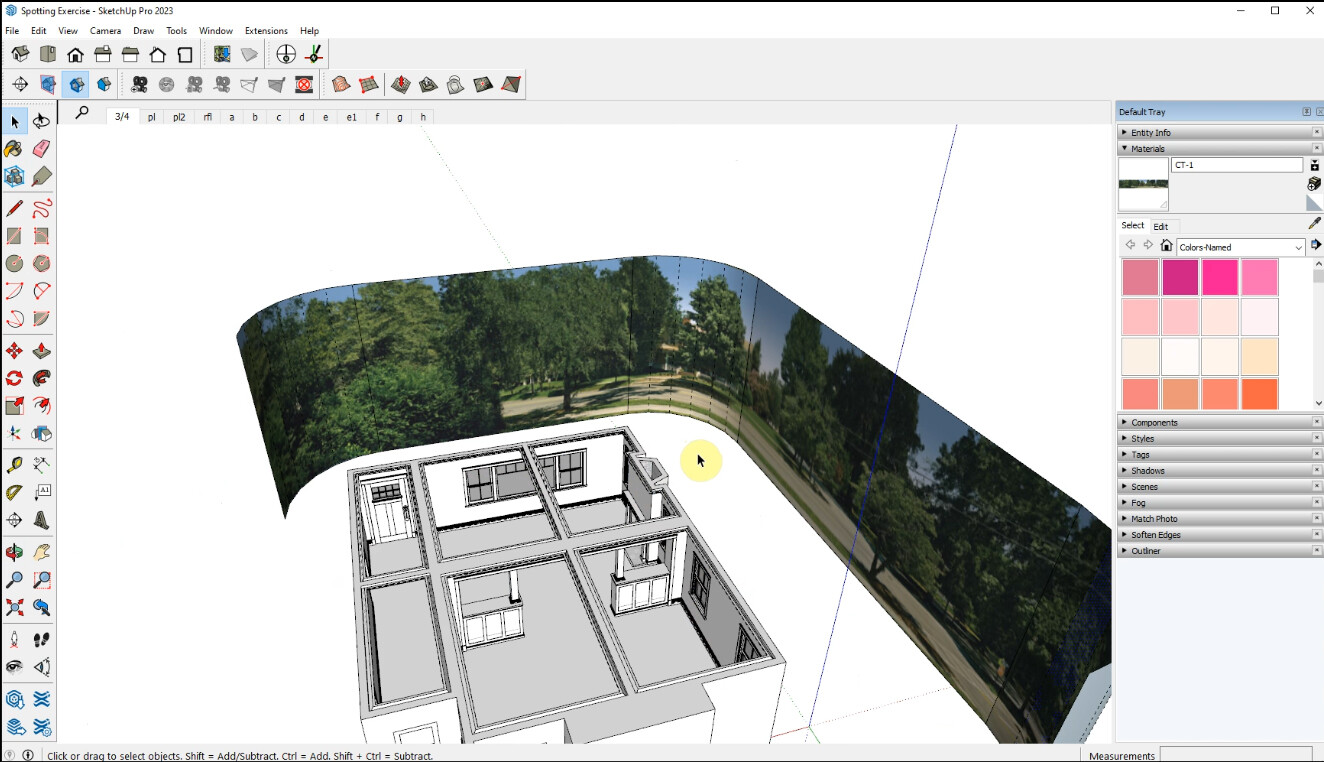
This three-hour tutorial teaches you (yes, you) how to use SketchUp and Trimble Layout to find a backing, install it in your set model, do a backing study, make a stage plan, and set spotting plans. We will also cover the styles toolbar, and how to import stage plans in various formats.
This supplement requires that you have SketchUp Pro as well as Layout. You can use any version of SketchUp Pro, back to SUPro 2018, but Trimble only supports versions 2021, 2022, and 2023, so the more current you are the better.
The package Includes:
2+ hours of video tutorials
Sketchup 2018 files of the set model with backings applied and the sound-stage plan
Images of the backing we will be using
Templates for standard, large-scale drawings (in metric and Imperial) with drawing symbols.
Finished Layout file of the main project.
A white paper detailing the workflow.
My best wishes and a hearty (if virtual) slap on the back!